
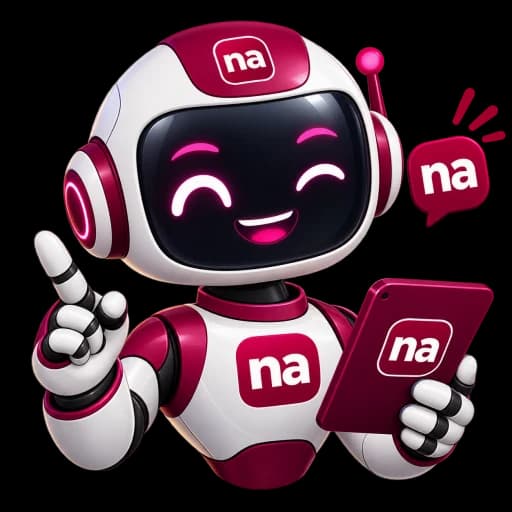
Meet Nana, your #NotesApp helper
Ask her anything about the platform. She replies like a person, links you to the right page, helps with your writing, and passes you to our team when she can't help.

Nana AI
Your #NotesApp helper · ask me anything
What Nana can do
Answers, with links
Ask about plans and prices, payouts, bookings and refunds, selling, badges, organisations. She answers in plain words and links you to the right page. Her answers come from our help centre, which our team writes and keeps right.
Writing help in your drafts
In the journal composer, ask Nana to improve, shorten or expand your writing, make it friendlier or more professional, or turn rough notes into a first draft.
Posts for LinkedIn and X
When you share a post, ask Nana to write the words for LinkedIn or X, and edit them before anything goes out.
Help with messages
In a conversation, ask Nana to suggest a reply or polish what you wrote. You always read and send it yourself.
In the team hub
Our own team asks Nana what to focus on and how the admin tools work. She is coming to Business and Enterprise teams after our internal testing.
Two ways Nana works
From the help centre
Always on. Nana finds the best help articles for your question and walks you through them, with links. She can't write for you in this mode.
With AI
Nana holds a real conversation, combines what she knows, and gives the writing help above. If the AI is ever unavailable, she carries on from the help centre.
Right now: the AI is switched on for everyone. Our AI has a small free allowance each day for each person, because we pay for it. Connect your own AI account below and there is no limit from us at all.
Connect your own AI account
Use your own Anthropic account to power Nana in your chats, drafts, shares and messages, and in the team hub for staff. The AI cost goes to your account, you can set a spending limit with Anthropic, and #NotesApp puts no daily limit on you. Your text is sent to Anthropic to write the answer; we don't keep the text you send for writing help. We store your key encrypted and delete it when you disconnect or delete your account. See the Privacy Policy.
Loading…
Looking for articles instead? Browse the help centre, or contact the team.